Pull Components from Amplify
Objectives
In this lab, you will learn how to:
-
Pull components and model from Amplify
-
Test the components
Pulling Components from AWS Amplify
To pull Amplify components down to the Next.js application, we should have the AWS Command Line Interface installed in the local machine and authorized.
Install the AWS CLI with the following command:
npm install -g @aws-amplify/cli

Click on Local setup instructions, copy the pull command and run it in the terminal in the Studio.
Next, authorize the Amplify CLI and follow the prompts below to pull the components, the data models, the authentication and other Amplify settings.
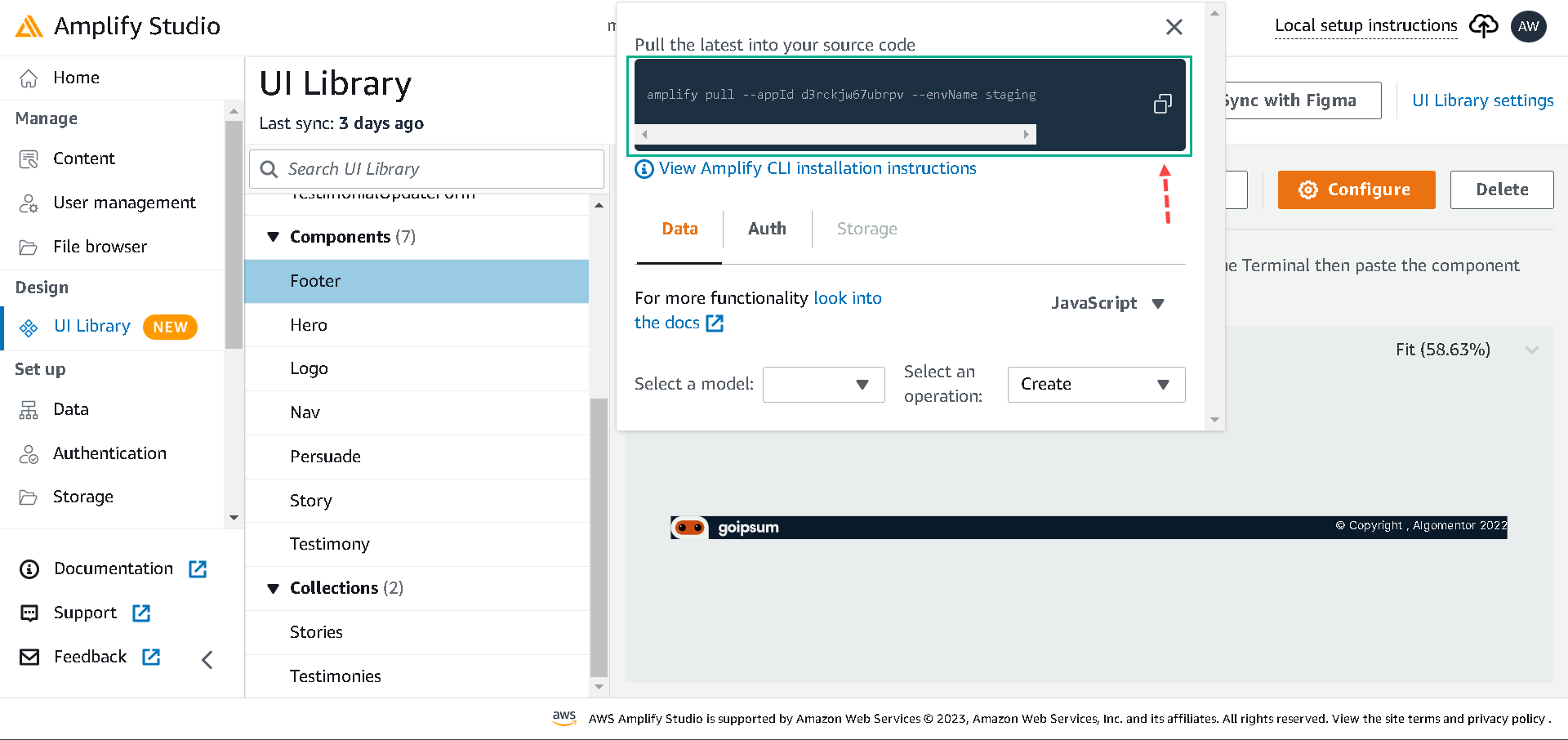
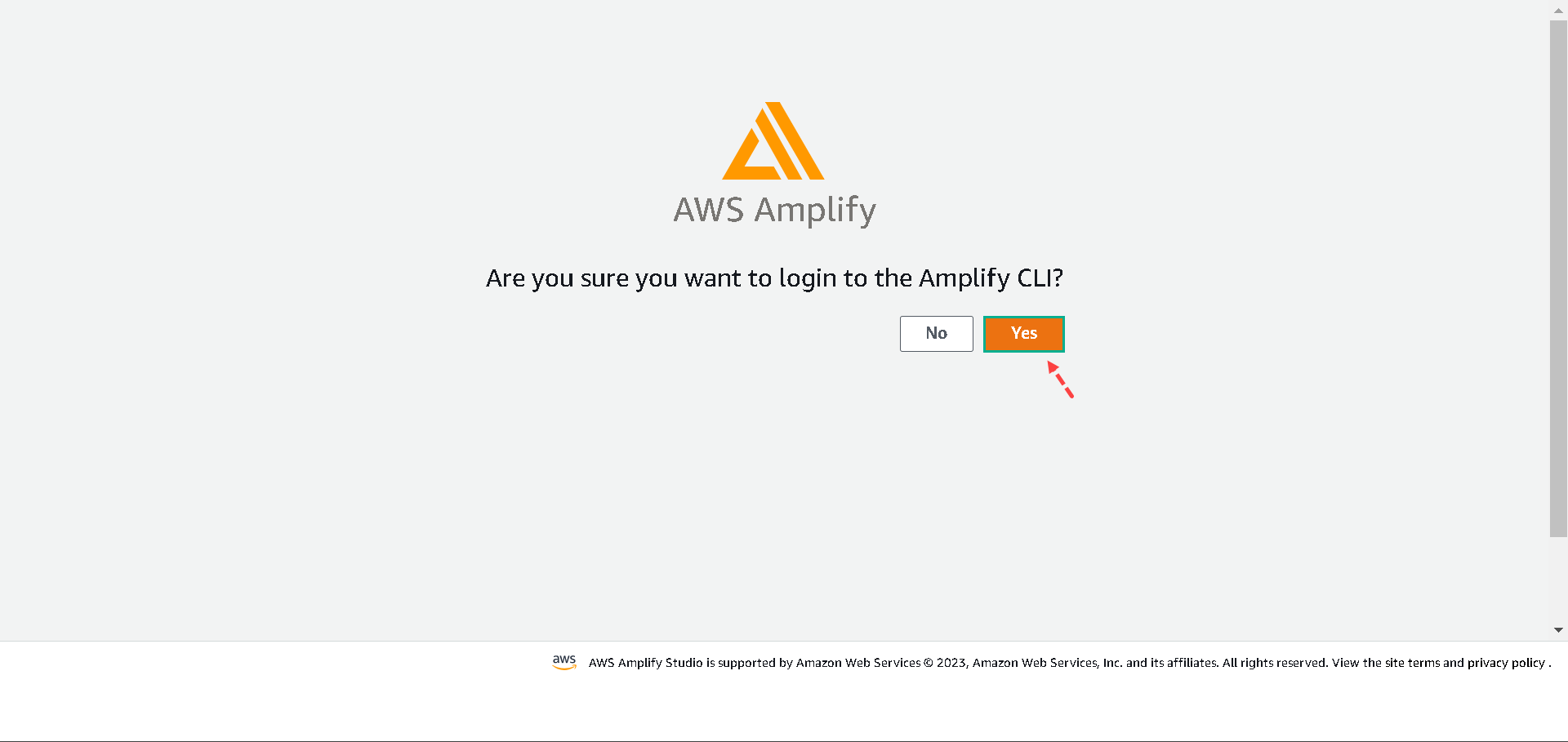
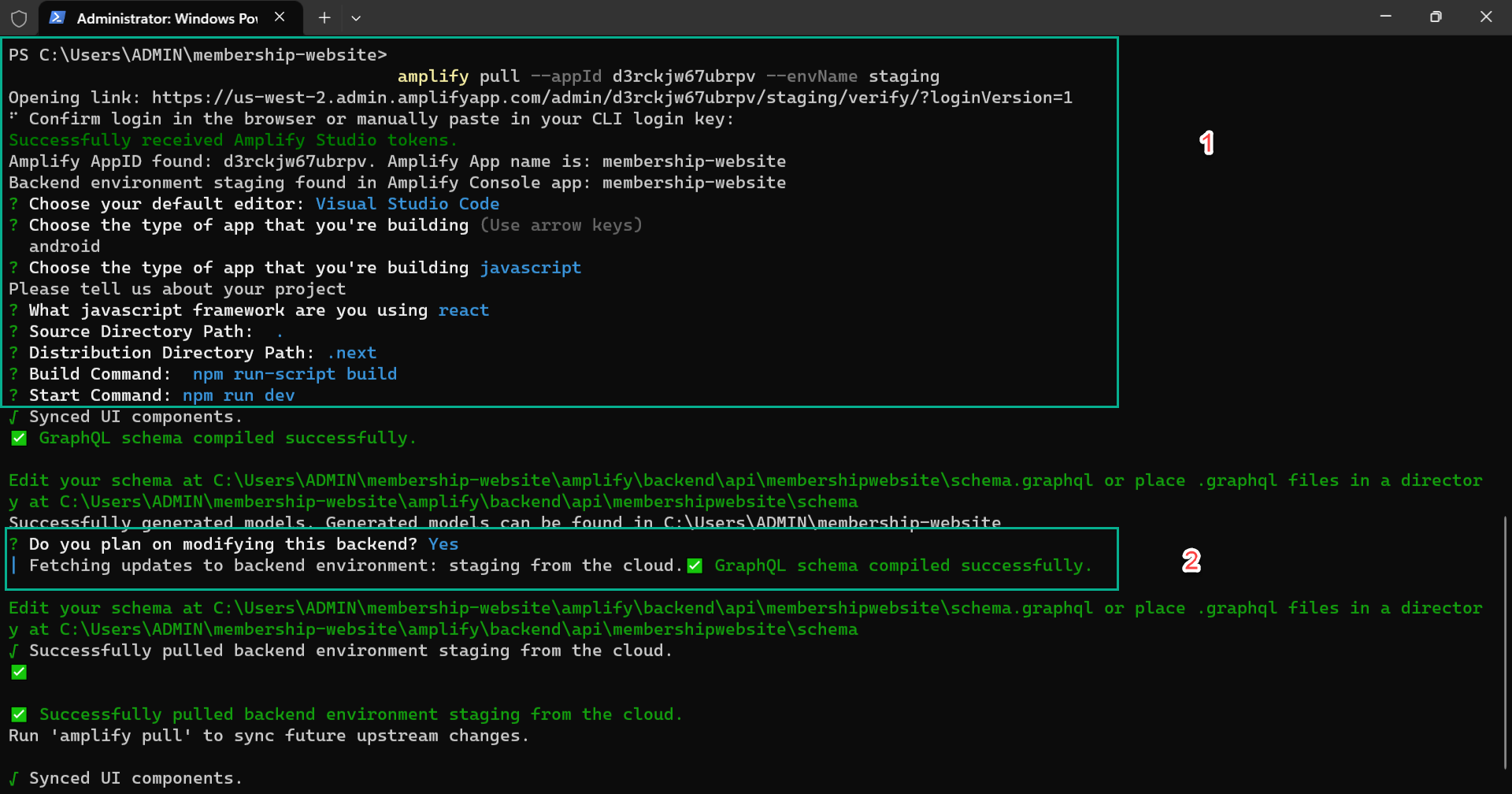
AWS will add the following folders to the Next.js application.
-
vscode - this houses some AWS to VSCode configurations
-
amplify - this contains AWS backend configurations.
-
models - this houses the model schemas
-
ui-components - this is the most important for our project. It includes all of our Figma designs/components.
Next, we’ll import Amplify configurations and wrap the Next.js application with it. To do this, update the _app.js file with the following snippets:
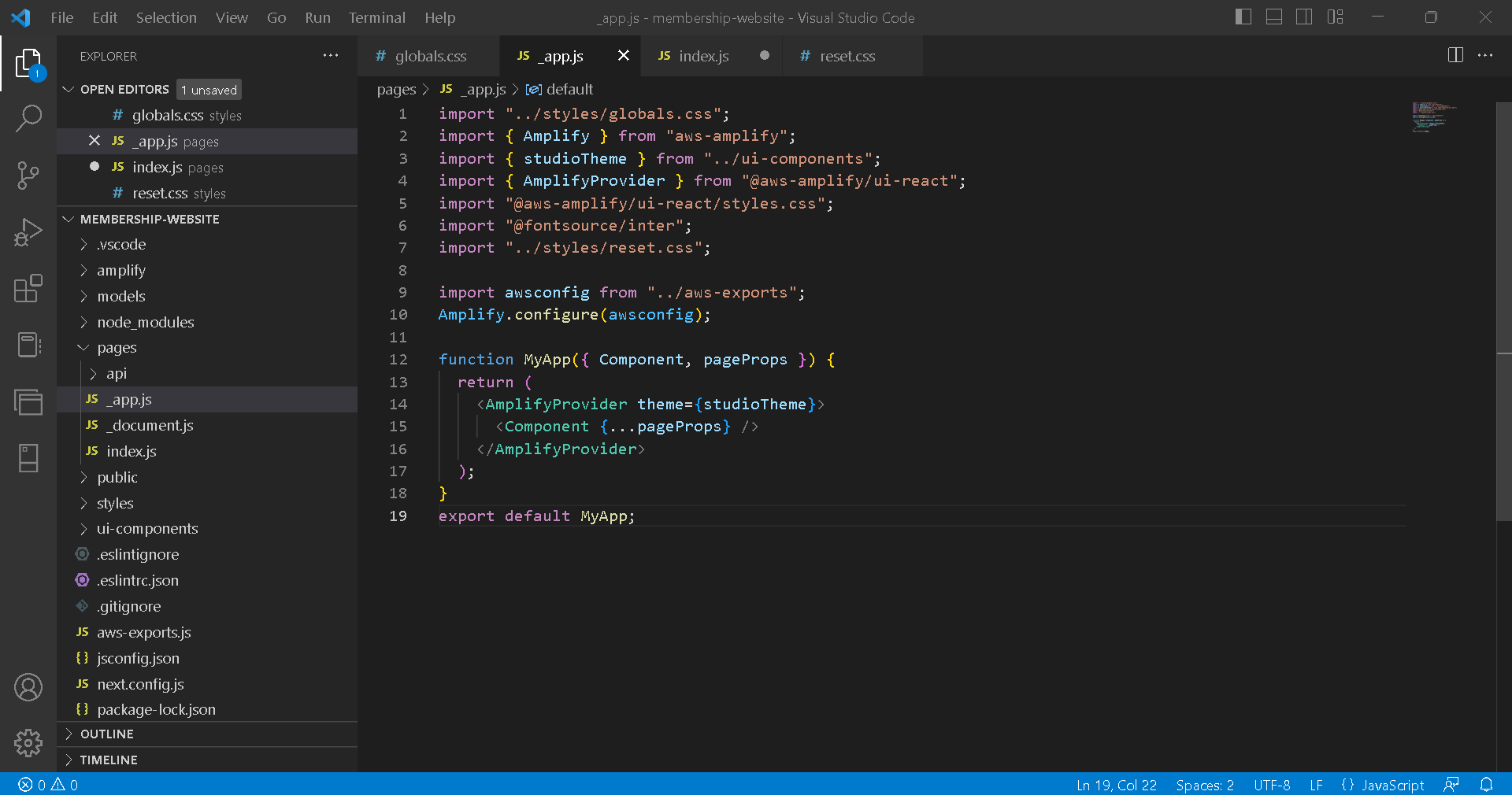
import "../styles/globals.css";
import { Amplify } from "aws-amplify";
import { studioTheme } from "../ui-components";
import { AmplifyProvider } from "@aws-amplify/ui-react";
import "@aws-amplify/ui-react/styles.css";
import "@fontsource/inter";
import "../styles/reset.css";

import awsconfig from "../aws-exports";
Amplify.configure(awsconfig);

function MyApp({ Component, pageProps }) {
  return (
    <AmplifyProvider theme={studioTheme}>
      <Component {...pageProps} />
    </AmplifyProvider>
  );
}
export default MyApp;
In the snippets above, we did the following:
-
Imported Amplify from aws-amplify, studioTheme from ui-components, and AmplifyProvider from @aws-amplify/ui-react.
-
Imported awsconfig from “../aws-exports” and used it to configure Amplify.
-
Wrapped the Components with the AmplifyProvider and passed the studioTheme as the theme prop.
We’ve successfully connected the AWS backend environment with our Next.js application. To test things out, let’s import a component from the ui-components folder in the index.js file like in the below:
import React from "react";
import { Hero } from "../ui-components";
import { View } from "@aws-amplify/ui-react";

function index() {
  return (
    <View>
      <Hero />
    </View>
  );
}
export default index;
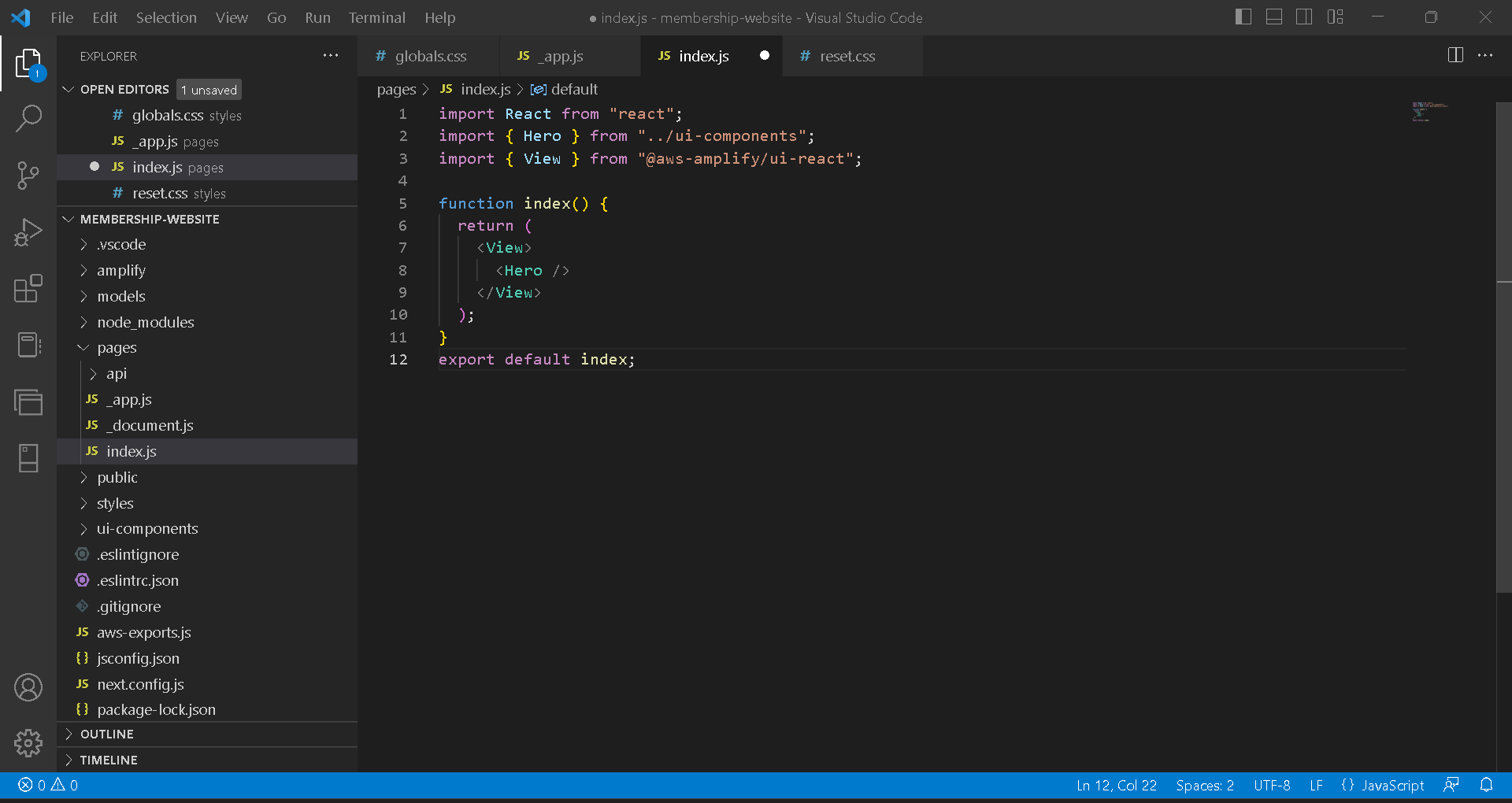
Here, we imported the Hero component and View, like a wrapper div that wraps elements.
Next, run the following command to start the development server:
npm run dev #to start the dev server
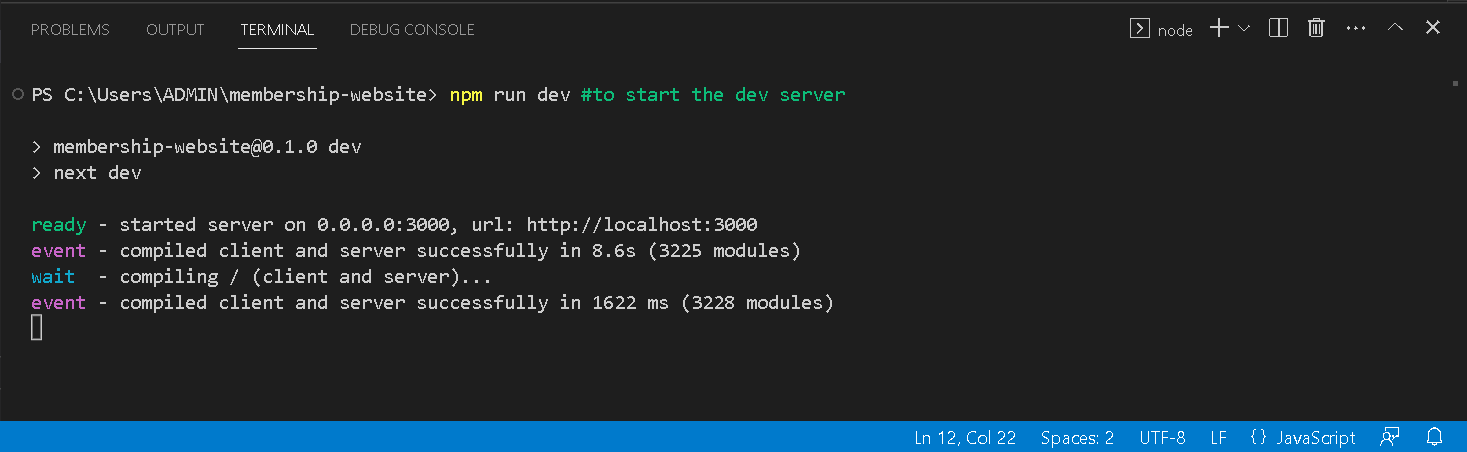
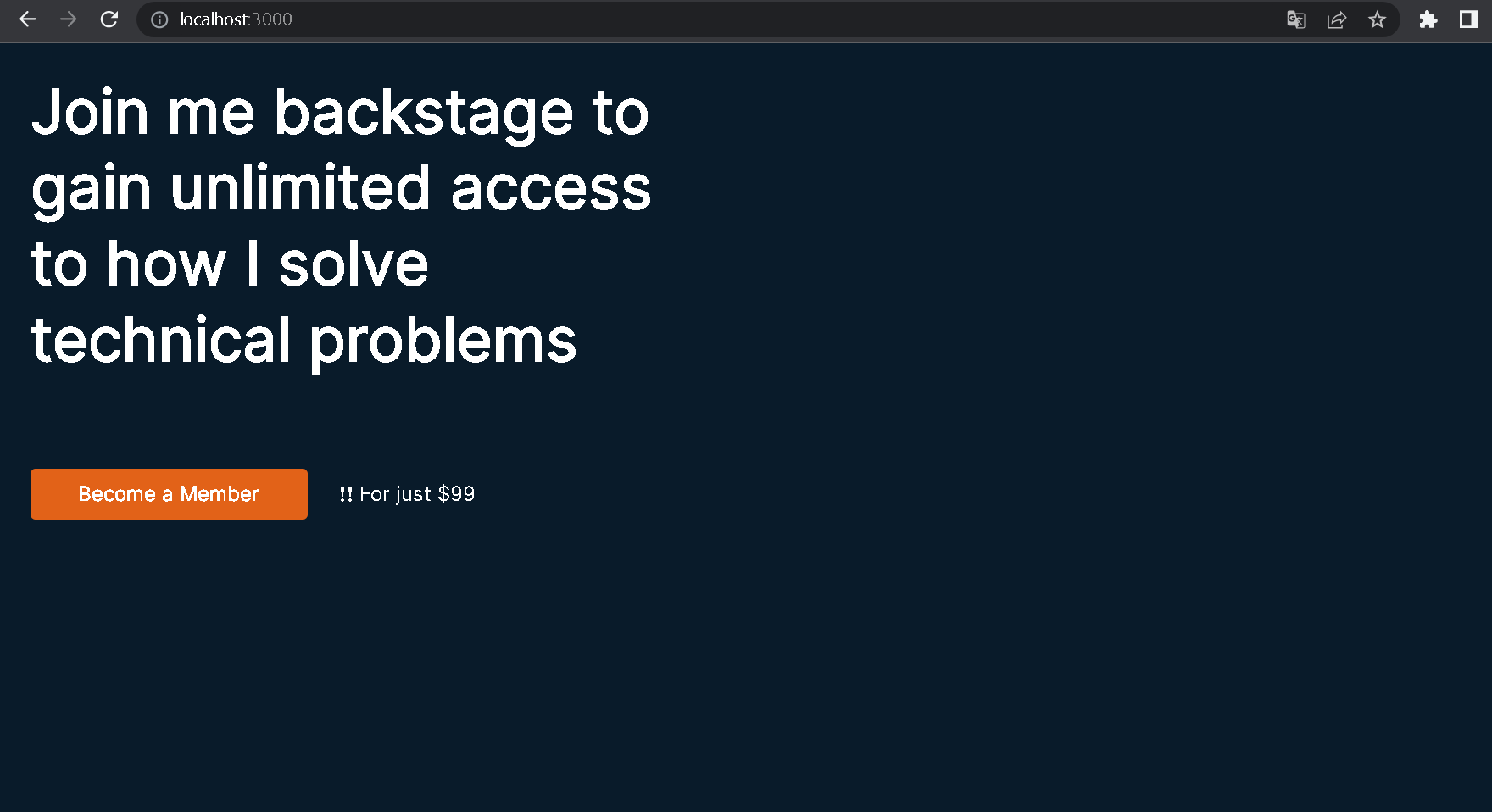
Next.js will start a development environment at http://localhost:3000 in the browser; our application would look just like expected:
What’s Next?
In the next lesson, you’ll learn how to bind data to the components.