Authenticate the Customers
Objectives
In this lab, you will learn how to:
-
Create UI for authentication
-
Protect the customer area from unauthorized access
-
Authenticating Users
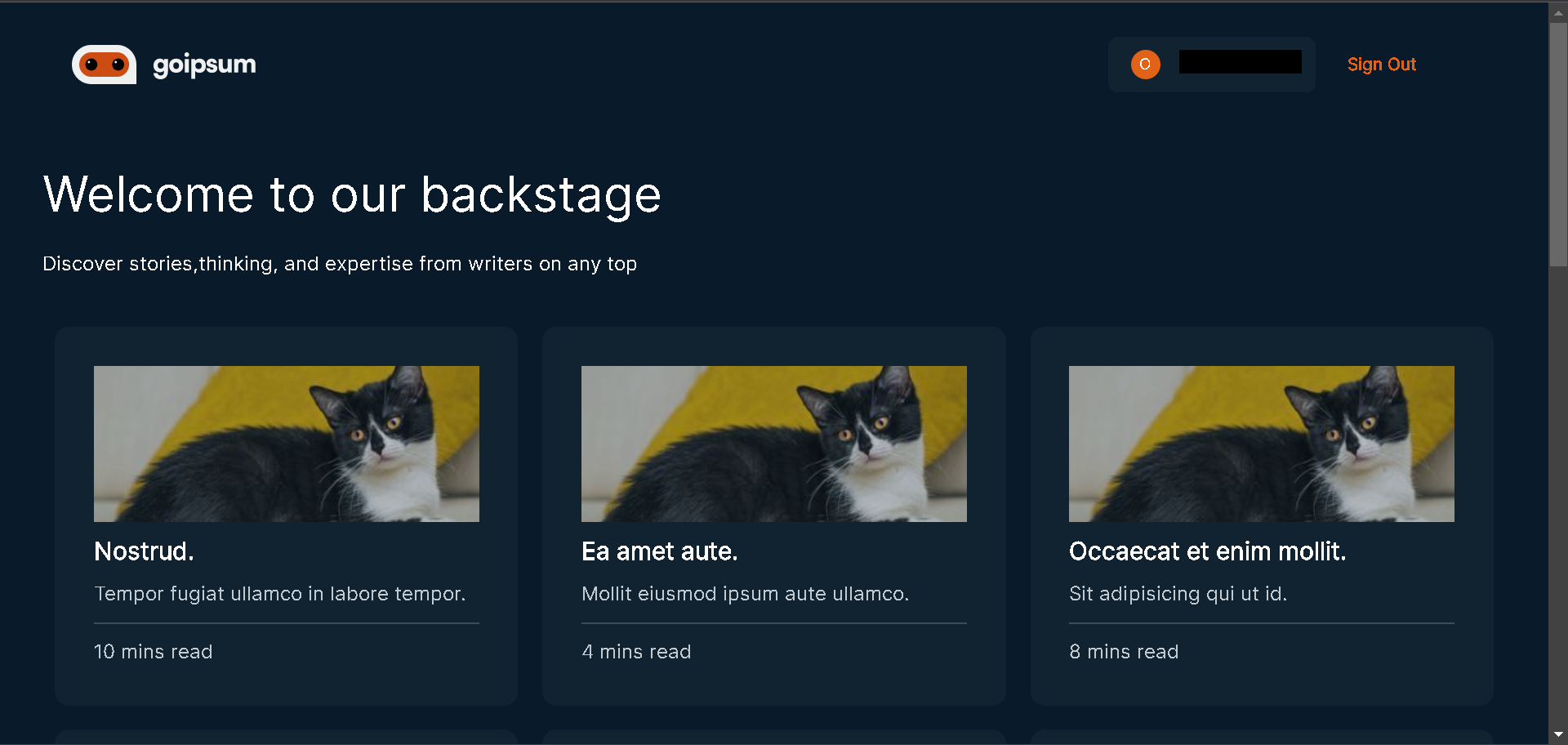
We want to protect the post page so the only signed users can access it; let’s update the post.js file with the following snippets:
//pages/post.js
//other imports here
import {Authenticator,Flex,Heading,Text,useTheme,View,} from "@aws-amplify/ui-react";
import { Footer, Logo, Stories } from "../ui-components";
function Post() {

const authComponents = {
    Header() {
      const { tokens } = useTheme();
      return (
        <Flex
          justifyContent={"center"}
          direction="column"
          paddingTop={tokens.space.xxxl}
          paddingBottom={tokens.space.xxl}
        >
          <Logo />
        </Flex>
      );
    },
  };

  return (
    <Authenticator components={authComponents} hideSignUp={true}>
      {({ signOut, user }) => (
        <Layout
          handleClick={() => signOut()}
          authText="Sign Out"
          username={user.attributes.email.split("@")[0]}
        >
          // other components here
        </Layout>
      )}
    </Authenticator>
  );
}
export default Post;
In the snippets above, we:
-
Imported Authenticator, useTheme, and Flex from “@aws-amplify/ui-react” and imported Logo from “ui-components.”
-
Created authComponent object, created a Header() function inside it, destructured tokens from the useTheme() function, and used Flex to render the Logo component.
-
Wrapped the Layout with Authenticator and passed authComponent to its components prop. Passed the signOut function to the Layout handleClick event and updated the username value with the user parameter.
Click Sign Up, when the page pops up like this
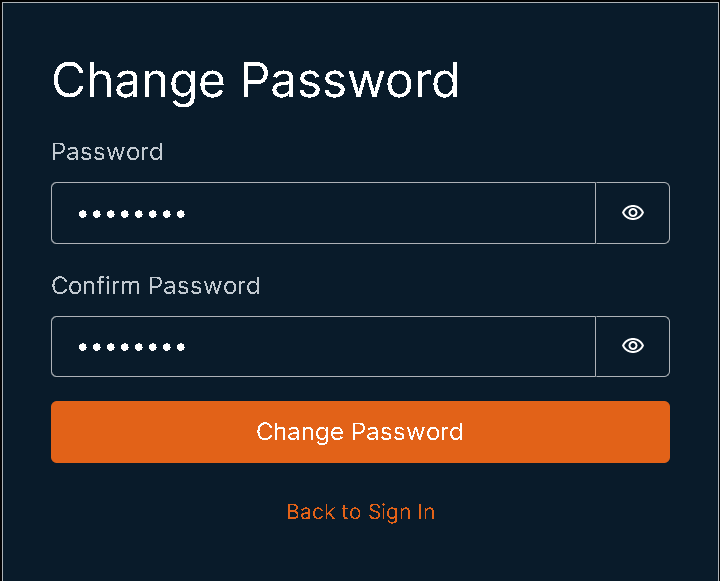
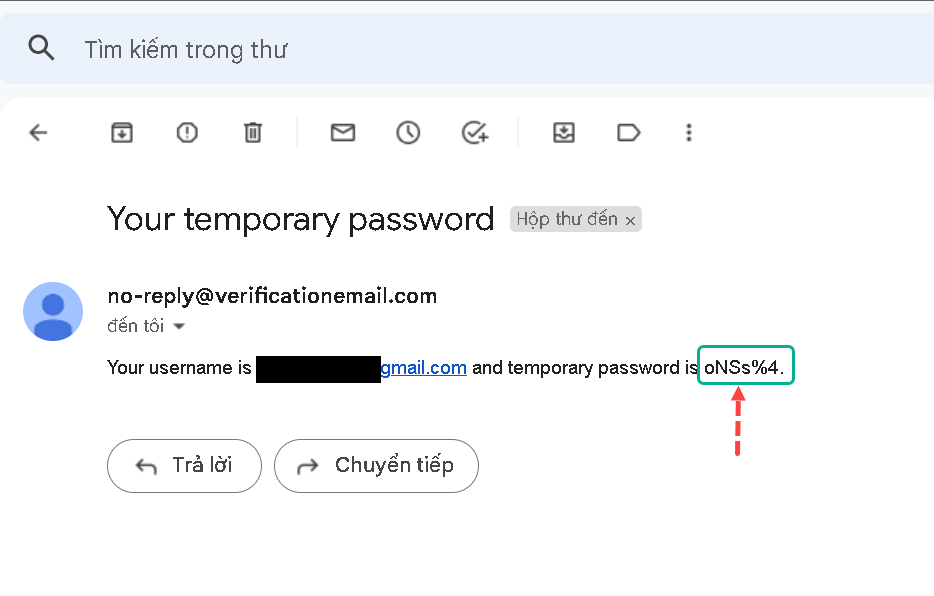
Copy Your temporary password from your email and change your password
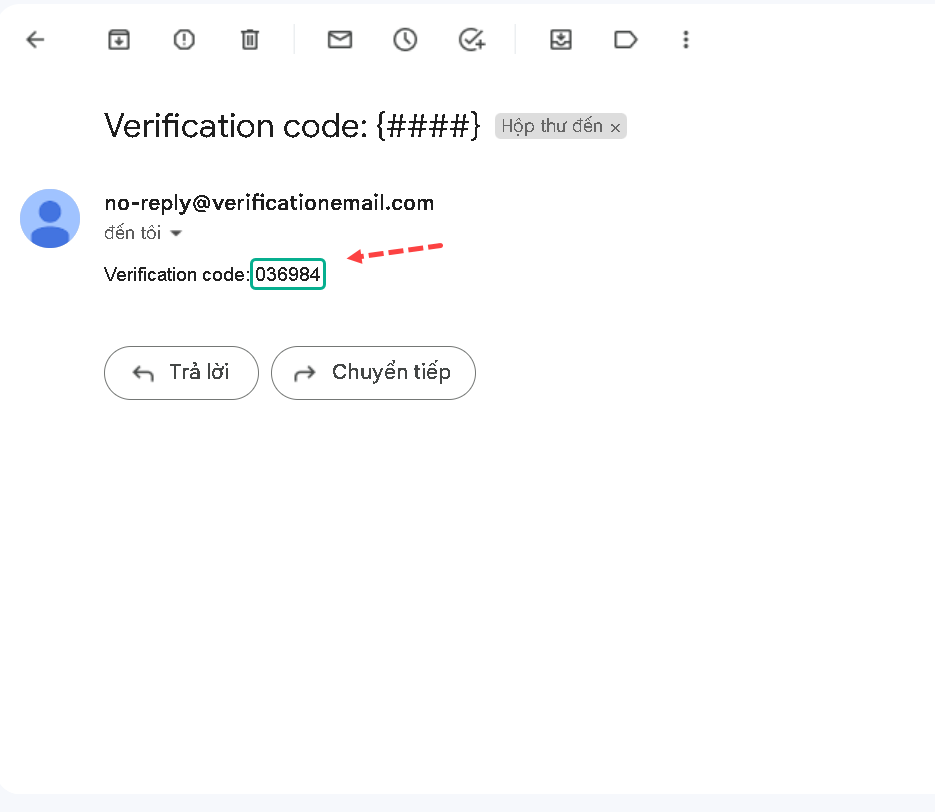
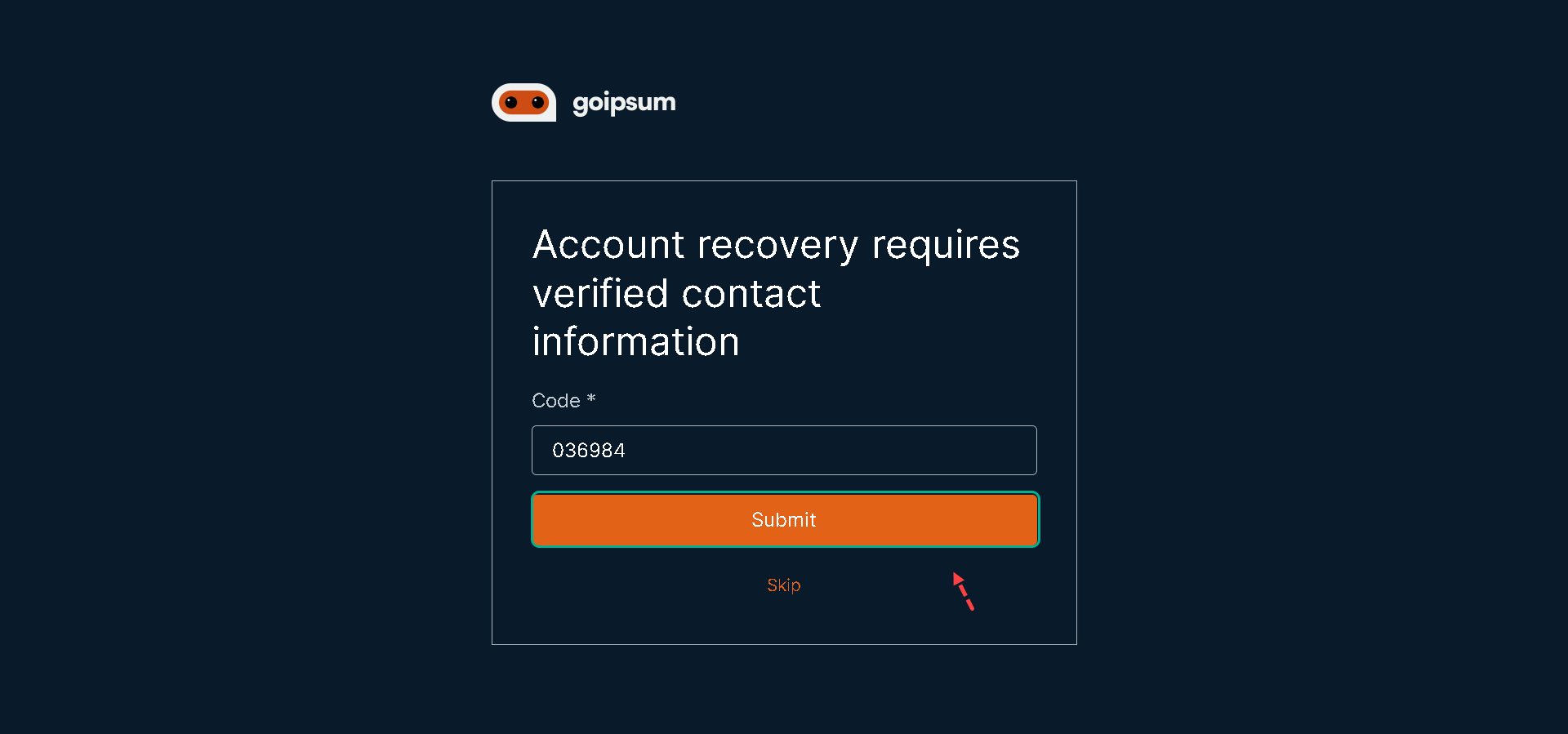
When you re-enter the site, you will have to re-verify your information
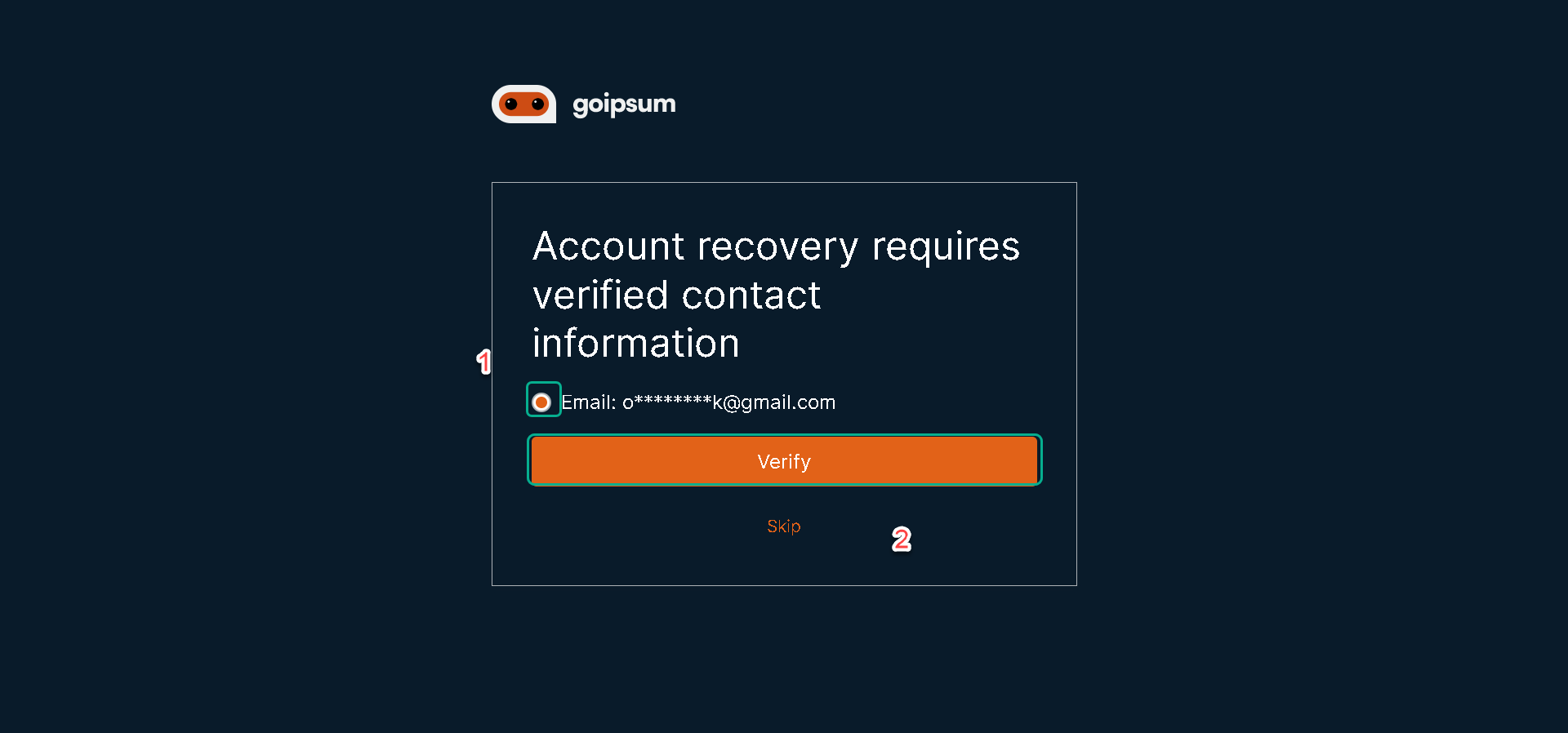
Check your email
And you have done the customer authentication part.