Setup a Next.js Project
Objectives
In this lab, you will learn how to:
- Setup a Next.js project
Setting Up a Next.js Application
To create a new Next.js application, let’s run the following commands in our terminal:
npx create-next-app membership-website
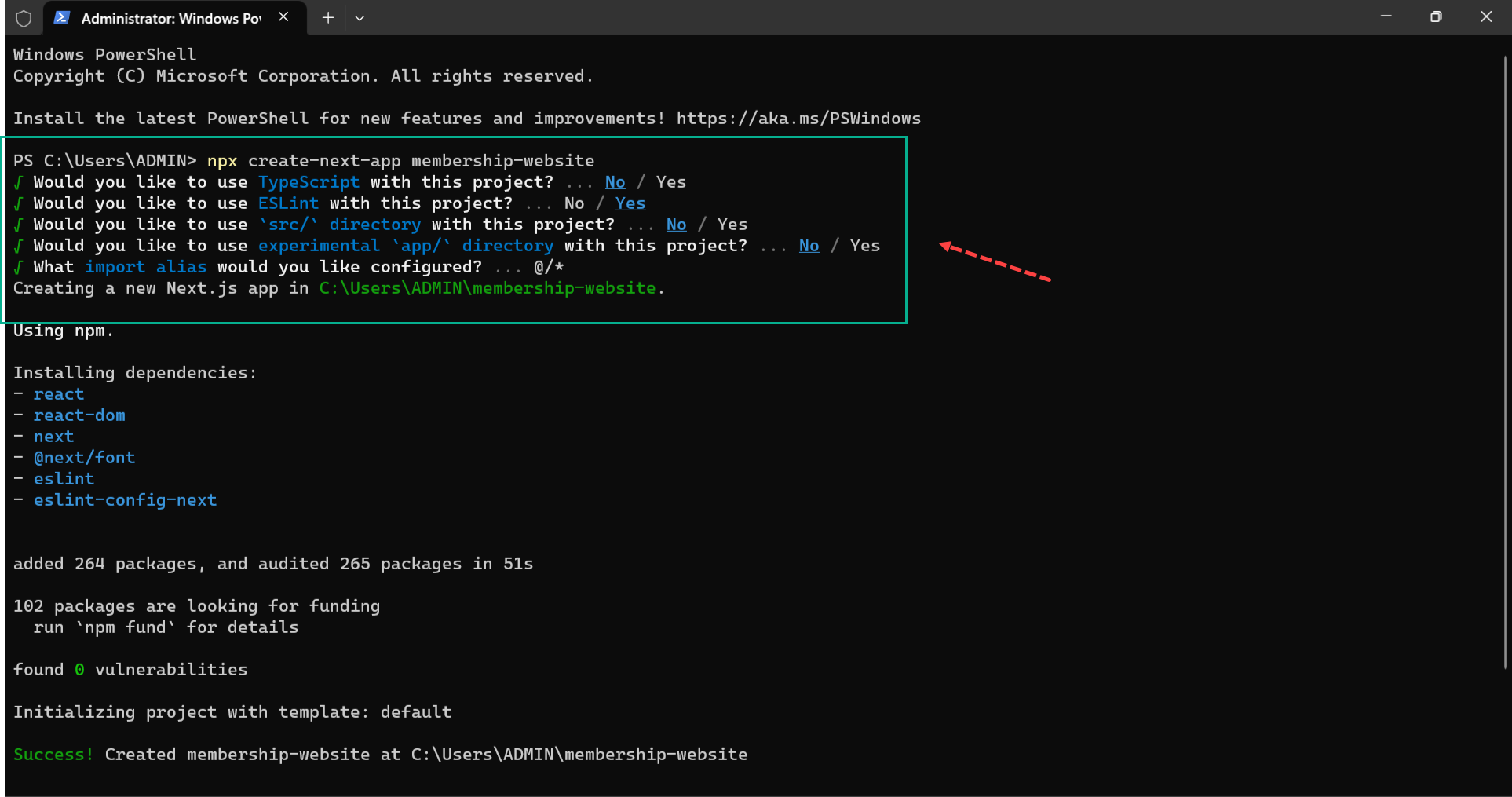
After creating the application, we’ll navigate into the project directory with the command below:
cd membership-website
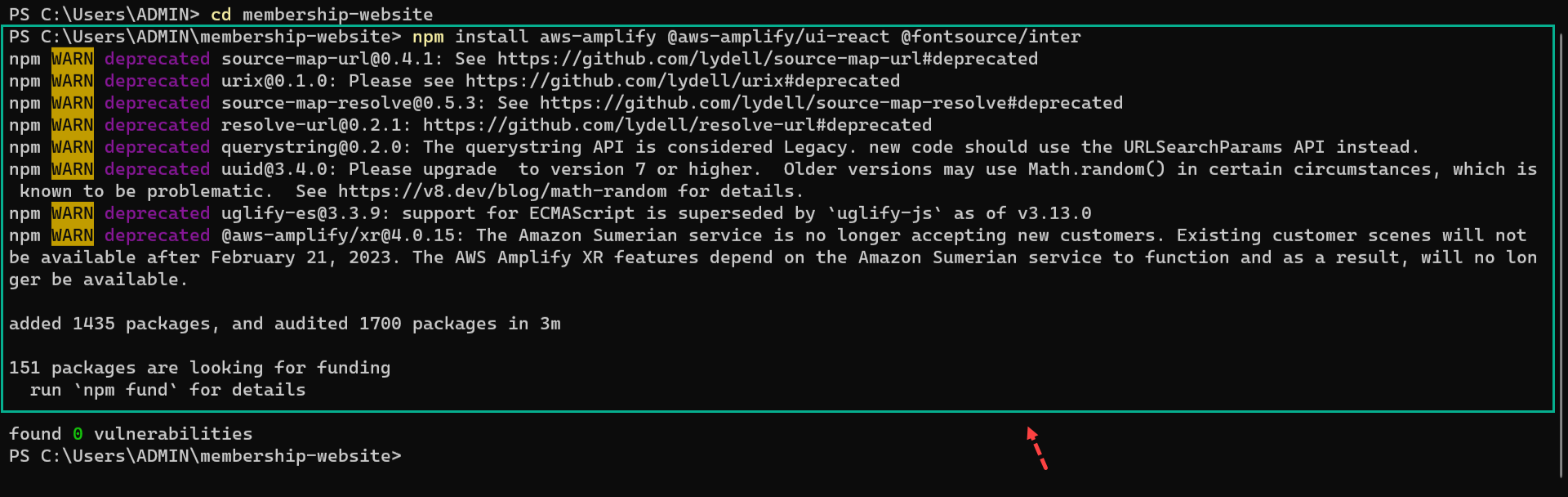
 Next, install the following dependencies:
-
aws-amplify - to give us access to the amplify SDK
-
@aws-amplify/ui-react - this dependency has a one-to-one mapping with the primitive’s page in our Figma UI design.
-
@fontsource/inter - so we can tweak the fonts of our project.
The command below will install the above dependencies:
npm install aws-amplify @aws-amplify/ui-react @fontsource/inter
 A few final steps:
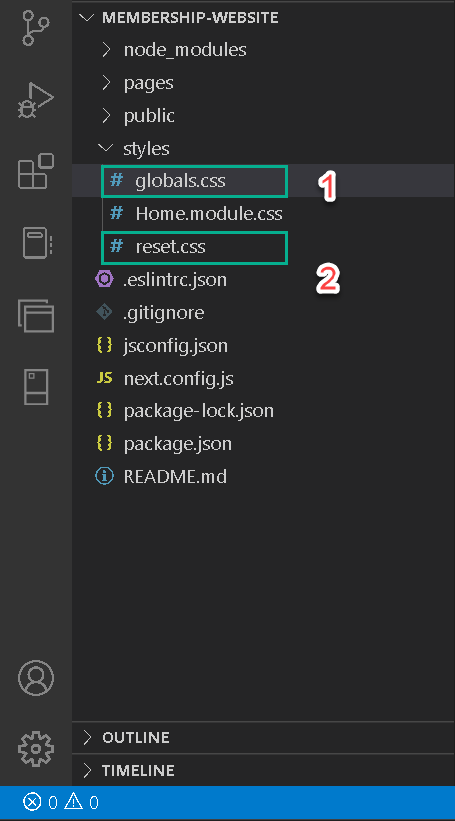
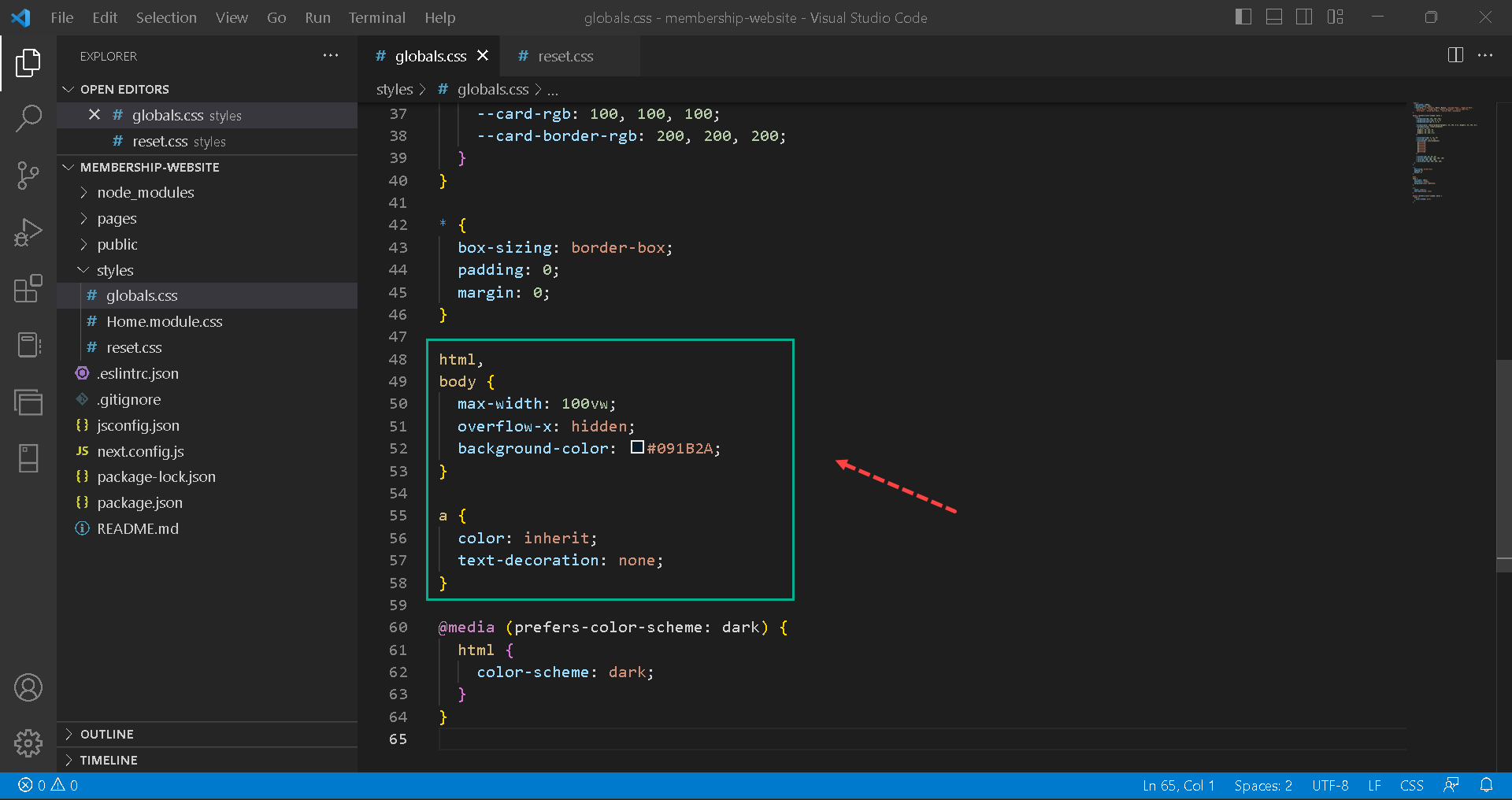
- Create a
reset.cssfile inside the styles folder in the root directory.
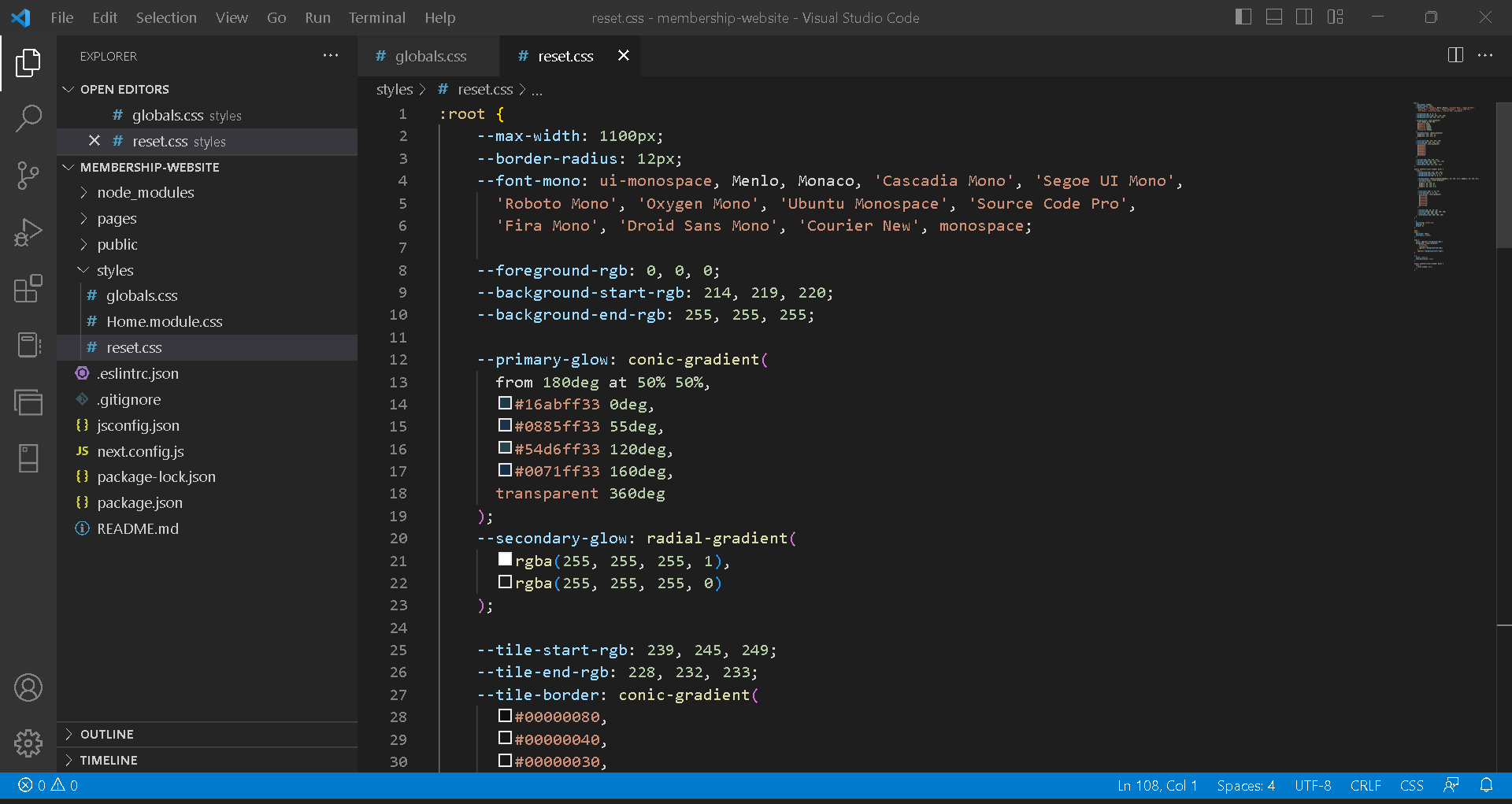
- Copy the
globals.cssproperties and paste it inside the reset.css file.
- Delete the styles in the globals.css and add a background color of
#091B2Ato the body.
What’s Next?
In the next lesson, pull all the UI components and data model from Figma into the new Next.js project.